Configure ticket system
All functions on this page require tickets.settings.manage.
Configurable modules
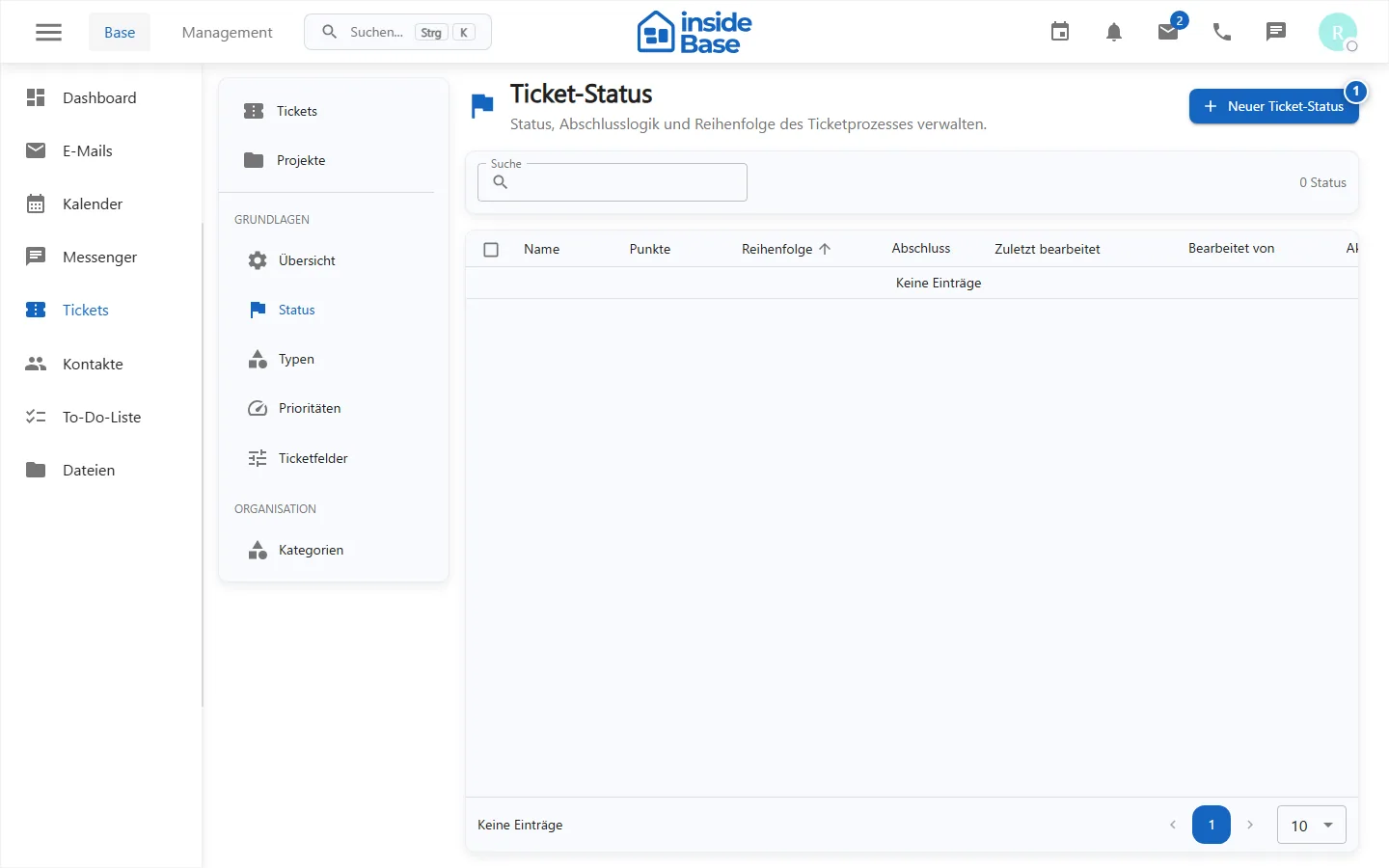
- Status represents the stations of a ticket process.
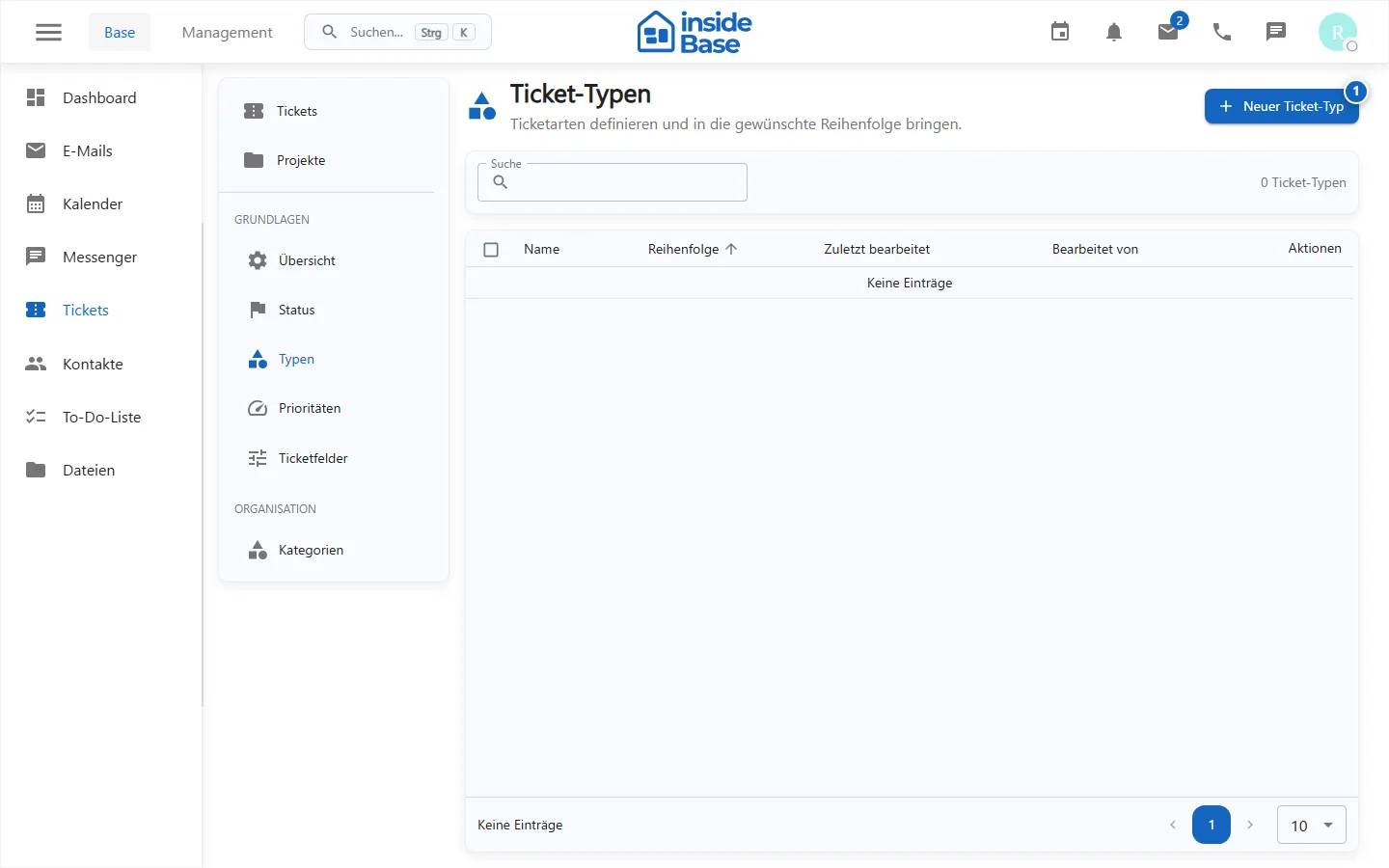
- Types classify the business purpose.
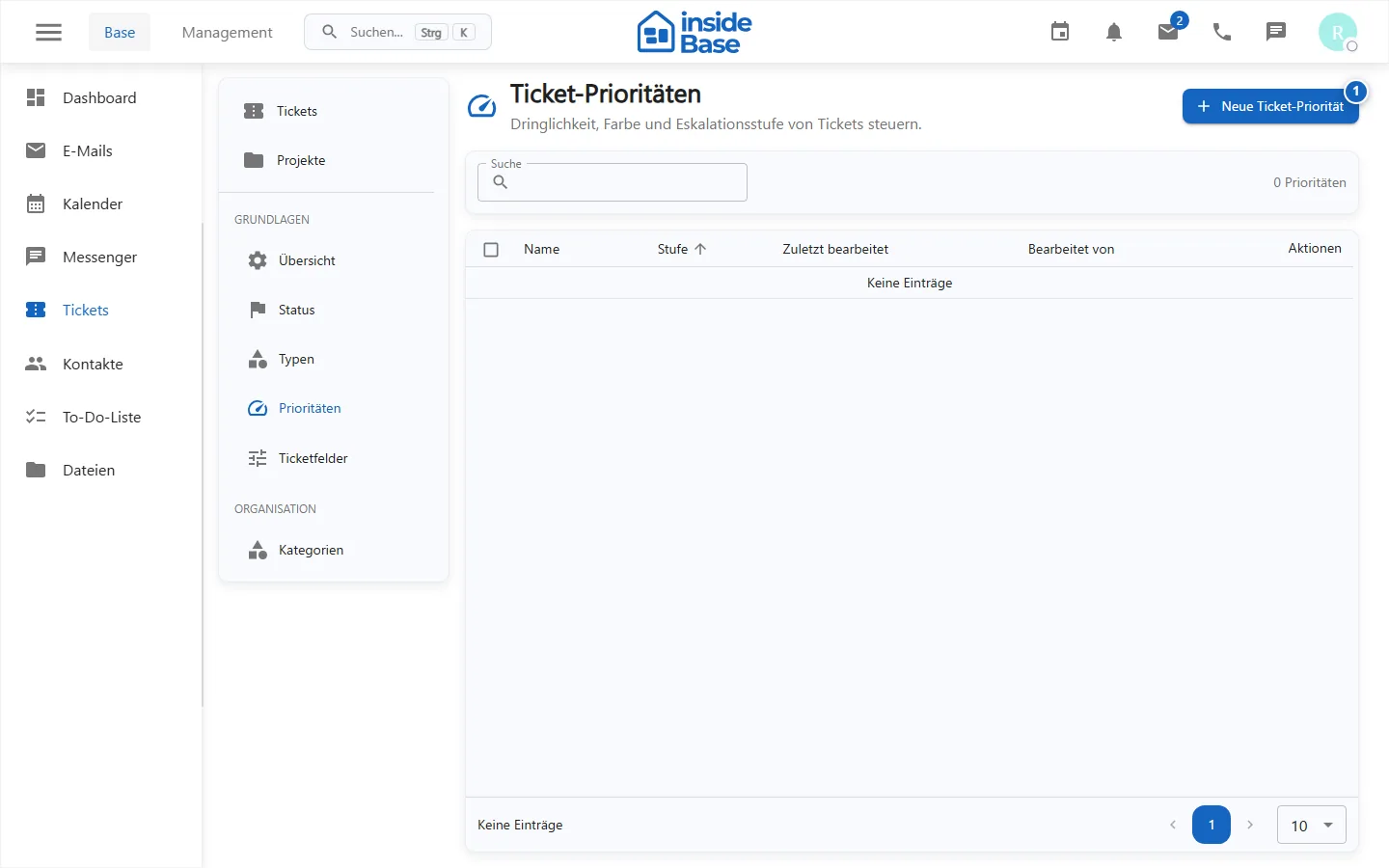
- Priorities make urgency comparable.
- Categories structure further assignments.
- Custom Fields complement workspace-specific information.
Secure change
- Document the desired process and the affected teams.
- Check if the value is already used in existing tickets.
- Create new values before removing or replacing old ones.
- Test planting, processing, filtering and board grouping with a test ticket.
- Inform affected people about changed meanings.
Purpose
The configuration defines the status model, types, priorities, categories and additional ticket fields of a workspace.
Where to find it
Open Tickets → Settings and the relevant sub-area.
Requirements and permissions
All described changes require tickets.settings.manage and a coordinated business process.
Step by step
Configure ticket system
First check existing values, affected teams, evaluations and test tickets.
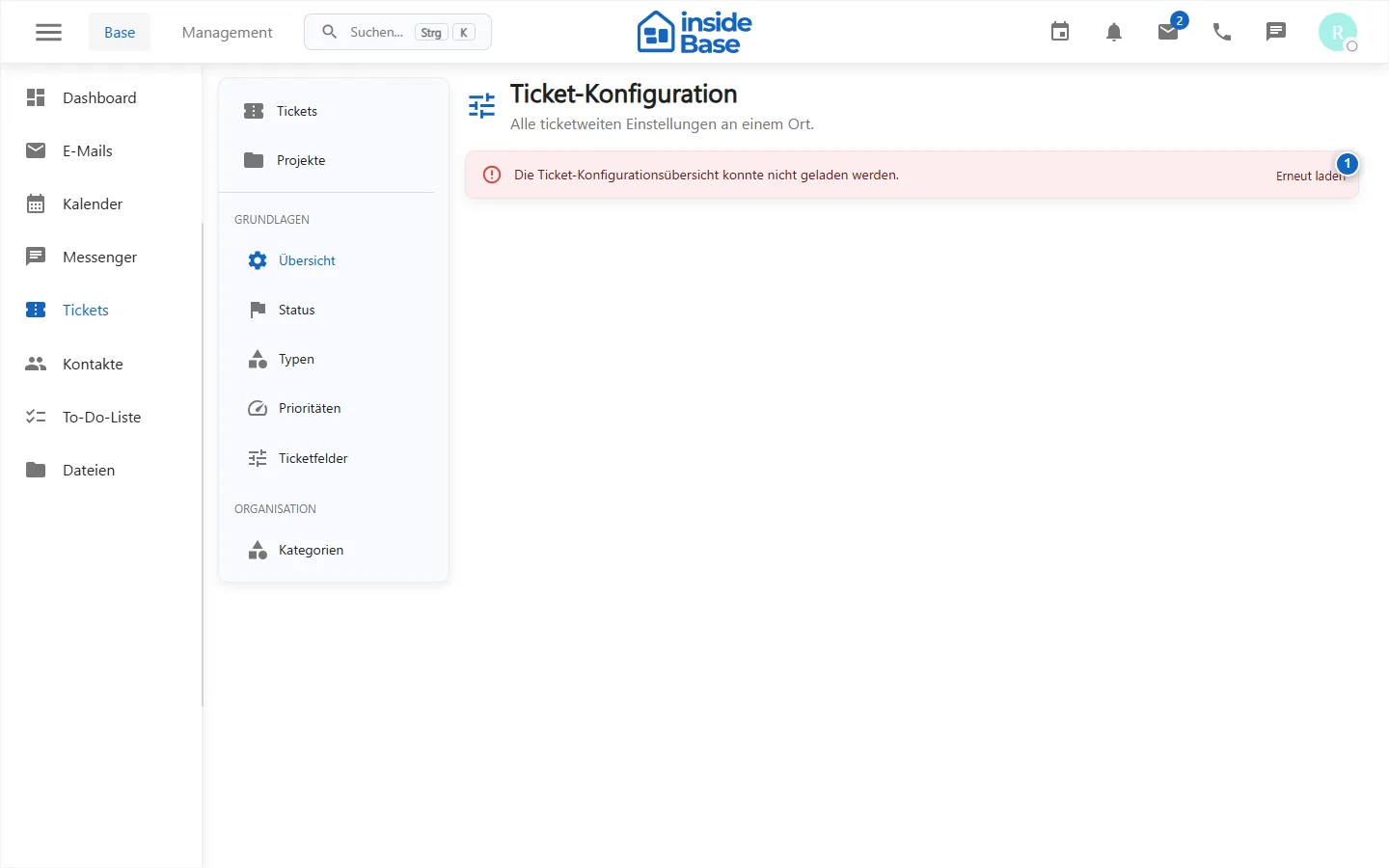
Manage ticket status
Create statuses in a meaningful order and test transitions in the list and board.
Manage ticket types
Use unique types and check existing tickets before making changes.
Manage ticket priorities
Define understandable levels, order, and colors without conflicting meanings.
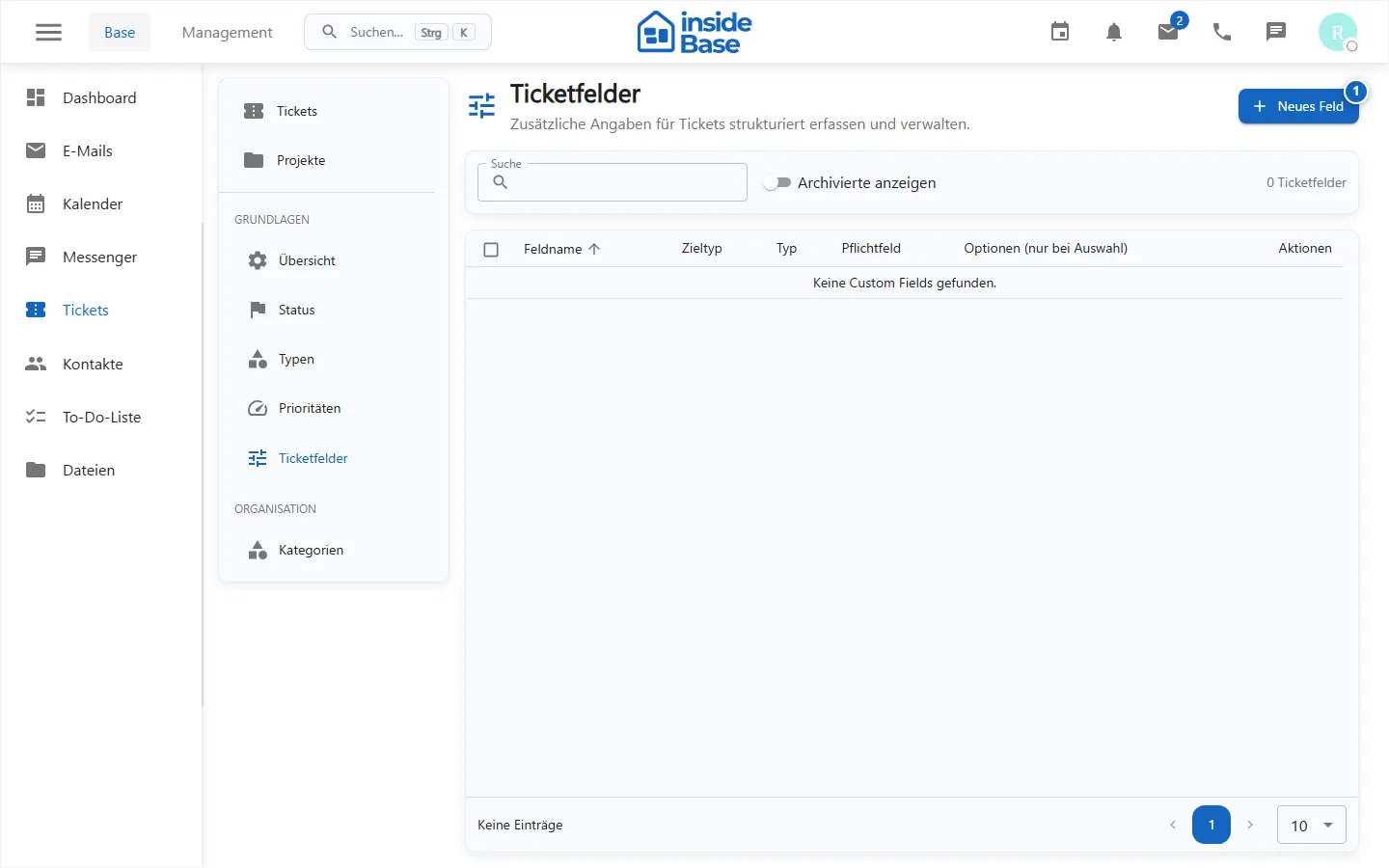
Manage ticket fields
Create only required fields with a stable type and test mandatory field and visibility behavior.
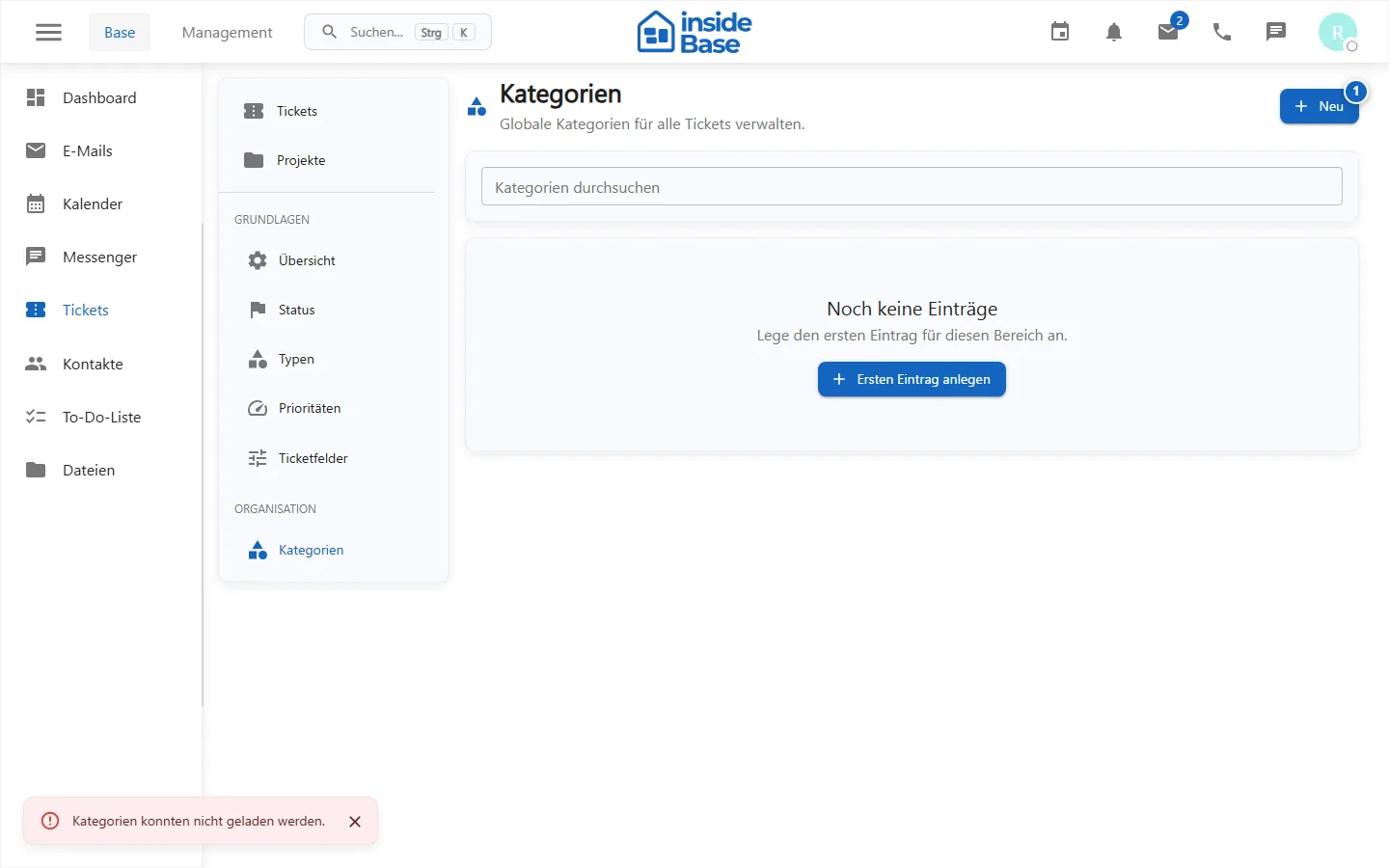
Manage ticket categories
Maintain an overlap-free category structure and check existing assignments.
Result
New or changed values are available in ticket forms, filters, boards and evaluations.
Variations and special cases
Prefer renaming to deleting and recreating values so historical assignments remain intact. After production use, do not change field types without a data migration.
Troubleshooting
Check administration permissions, required fields, unique names, and existing uses. Test each change with a demo ticket.