Manage the insideBase team
The team overview requires management.read. User management requires users.manage; history, new API keys, and central settings require settings.manage.
Team overview
The dashboard shows members, shared contacts, occupied CloudSafe storage, and shared mailboxes. The values depend on the team, tariff and activated modules.
Invite Members
- Open Team management and Team members.
- Choose Invite member and enter the business email address.
- Send the invitation and check its status.
- Once adopted, assign the necessary role in accordance with the minimum principle.
The last administrator is protected against removal or downgrading. Remove members only after responsibilities, shared data, mailbox releases and safes have been handed over.
API Keys and Settings
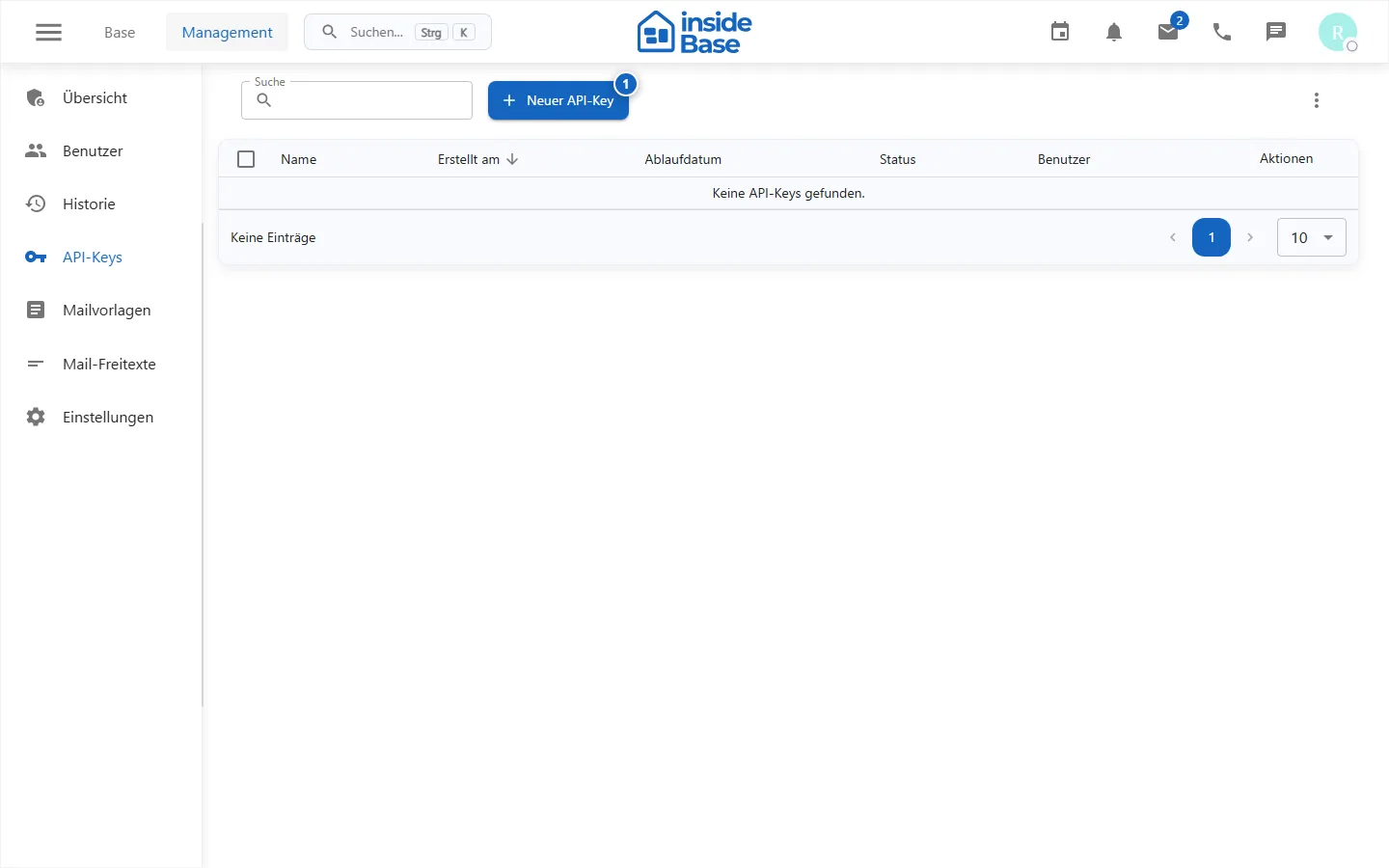
Create keys for a documented technical purpose only, limit their rights and save the secret in the provided password safe. Never share keys in the manual or screenshots. Then check changes to central settings with a normal user account.
Purpose
Team management controls members, roles, technical keys, history and central settings of an insideBase team.
Where to find it
Open Team management or Management.
Requirements and permissions
The overview requires management.read, members users.manage, history and settings settings.manage.
Step by step
Open team management
Check team, tariff, activated modules and displayed usage indicators.
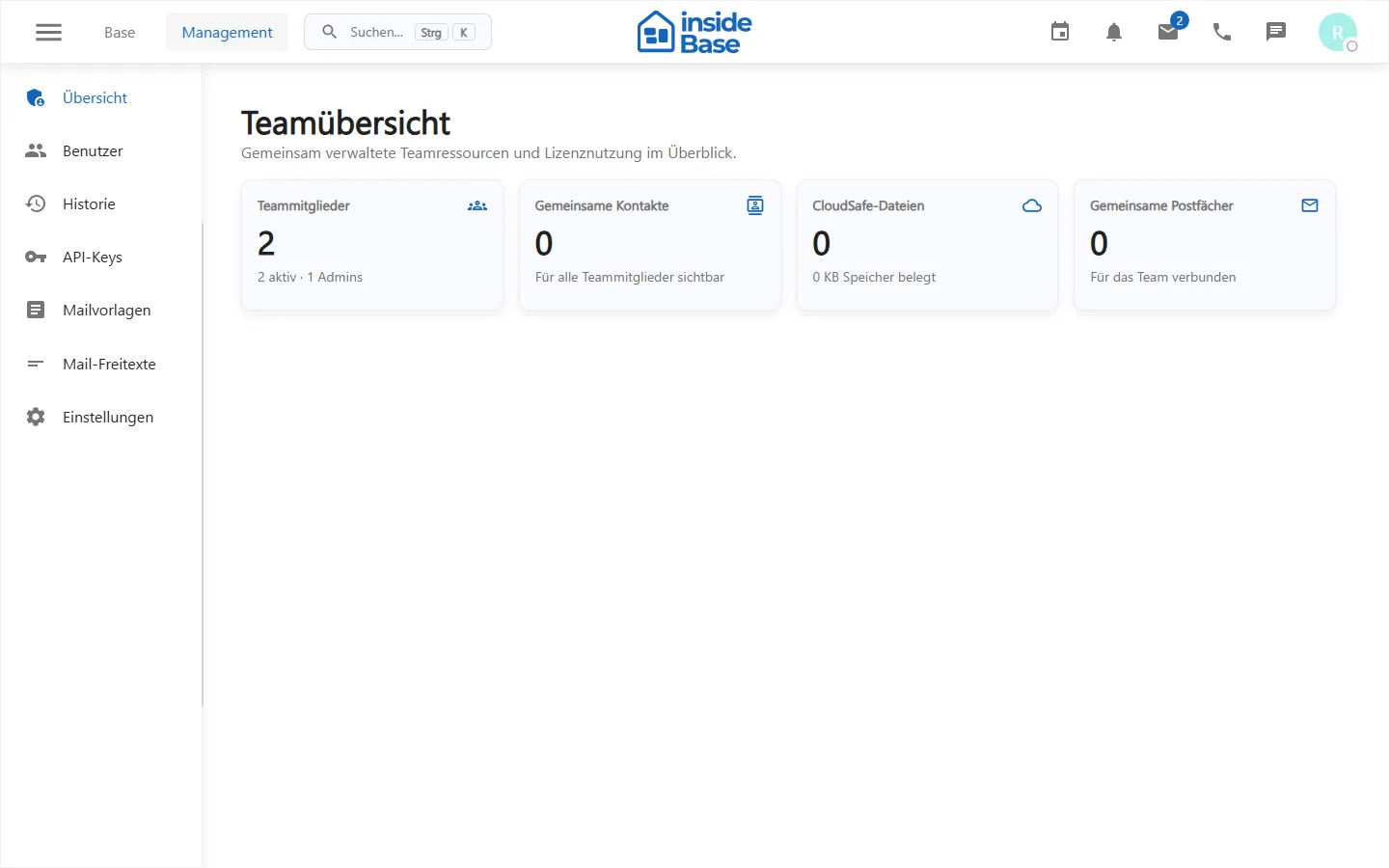
Team members manage
Invite members with a business address, check the invitation status and give the minimal role after acceptance.
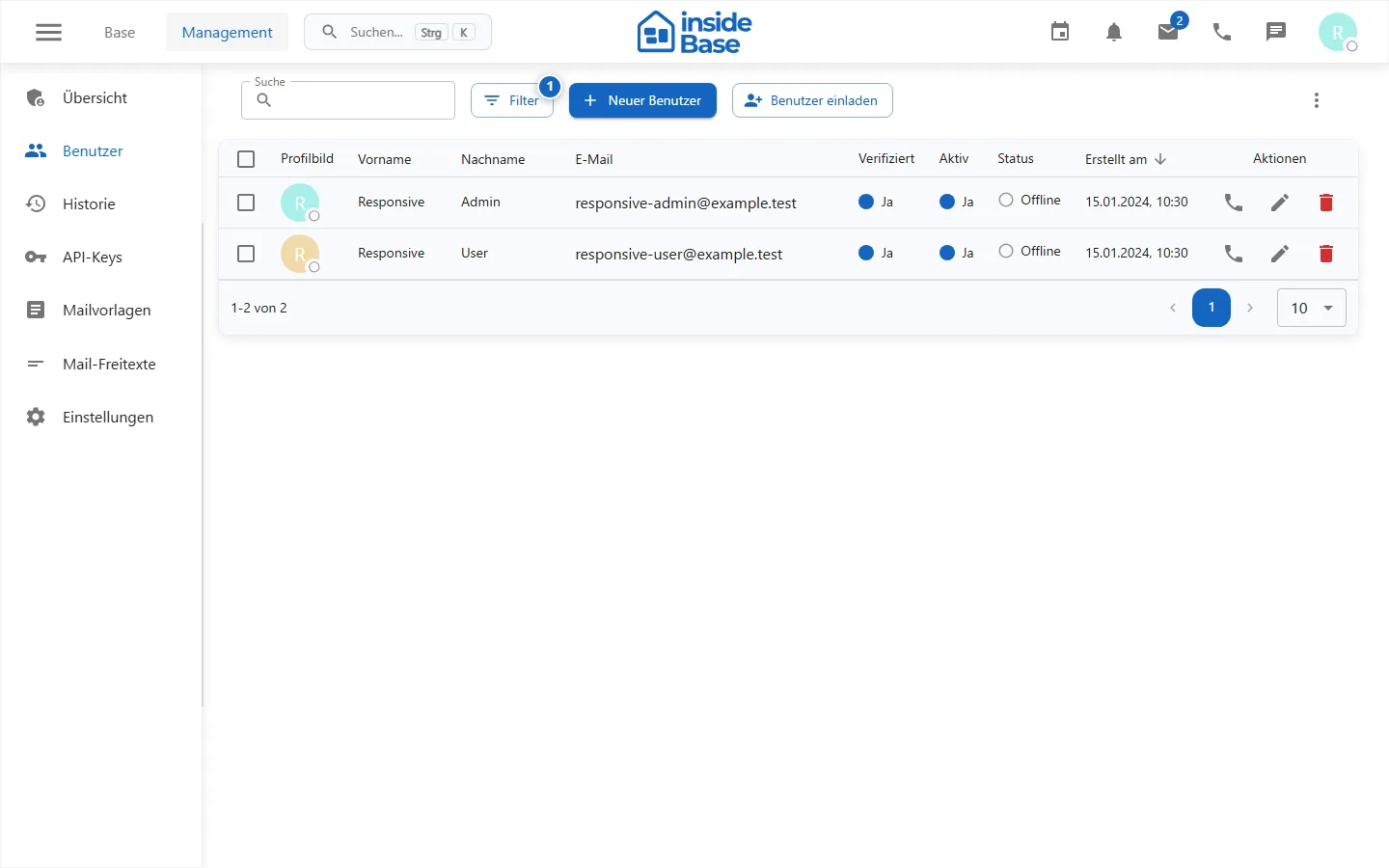
Manage API keys
Create keys with a documented purpose, minimum permissions, and planned rotation. Store the value exclusively in the password safe.
Check the change history
Filter the history by time period, area and person and open the change in question.
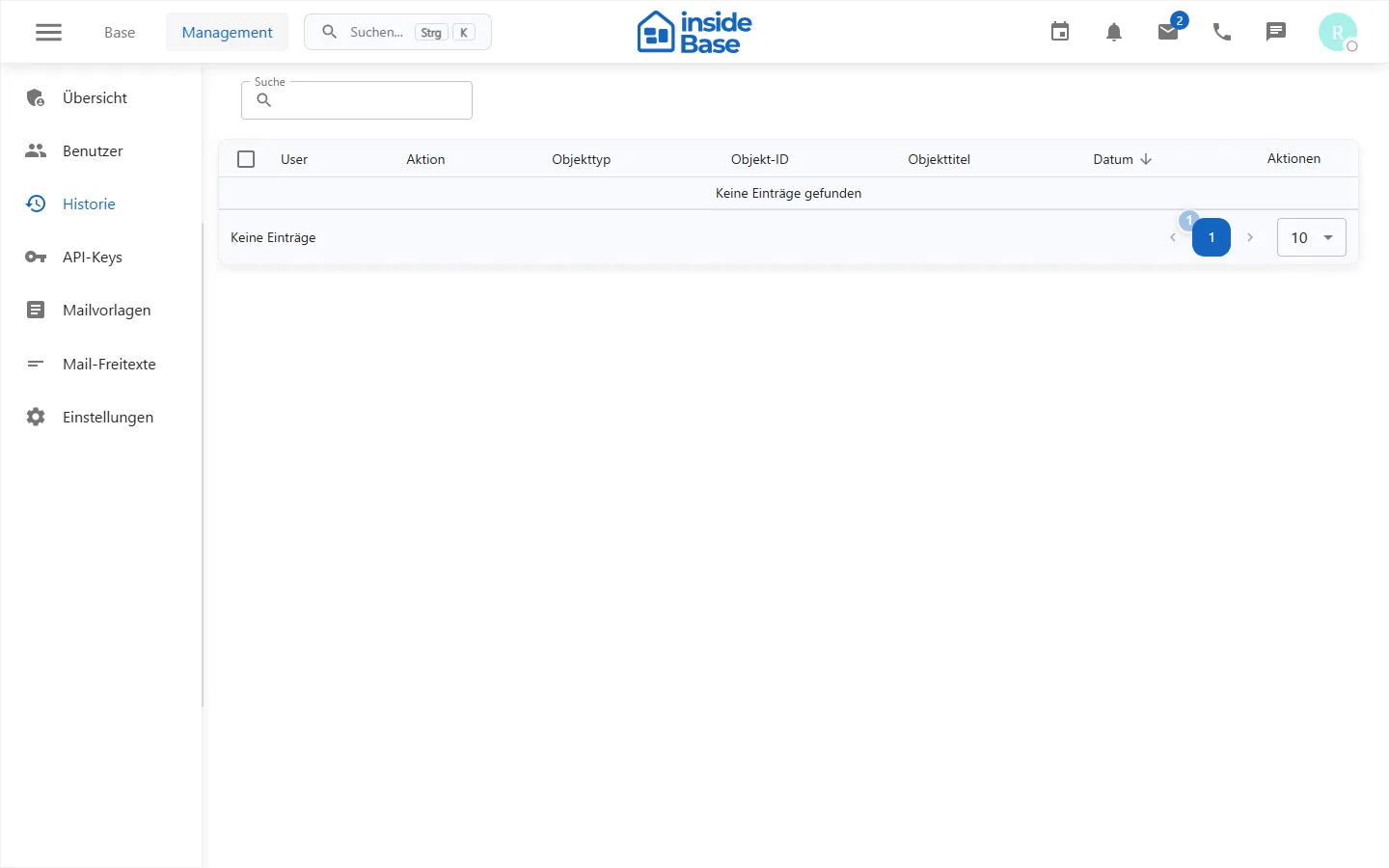
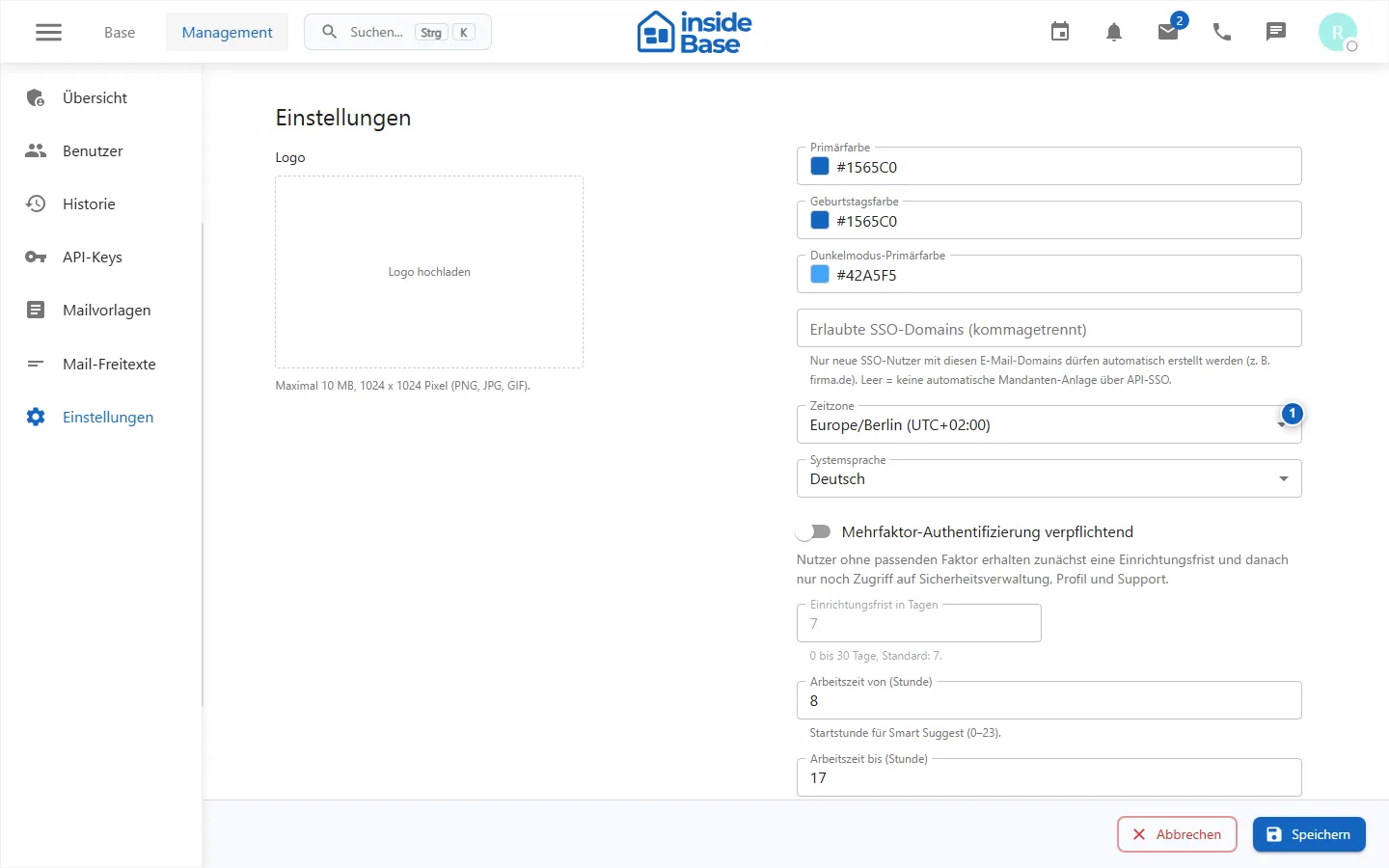
Manage settings
Change central values individually and then check the effect with a normal member account.
Result
Members, keys and settings correspond to the approved team process and are verifiably checked.
Variations and special cases
Before removing a member, data, mailboxes, safes and responsibilities must be handed over.
Troubleshooting
Check selected team, administrator role, invitation status, and dependent shares.