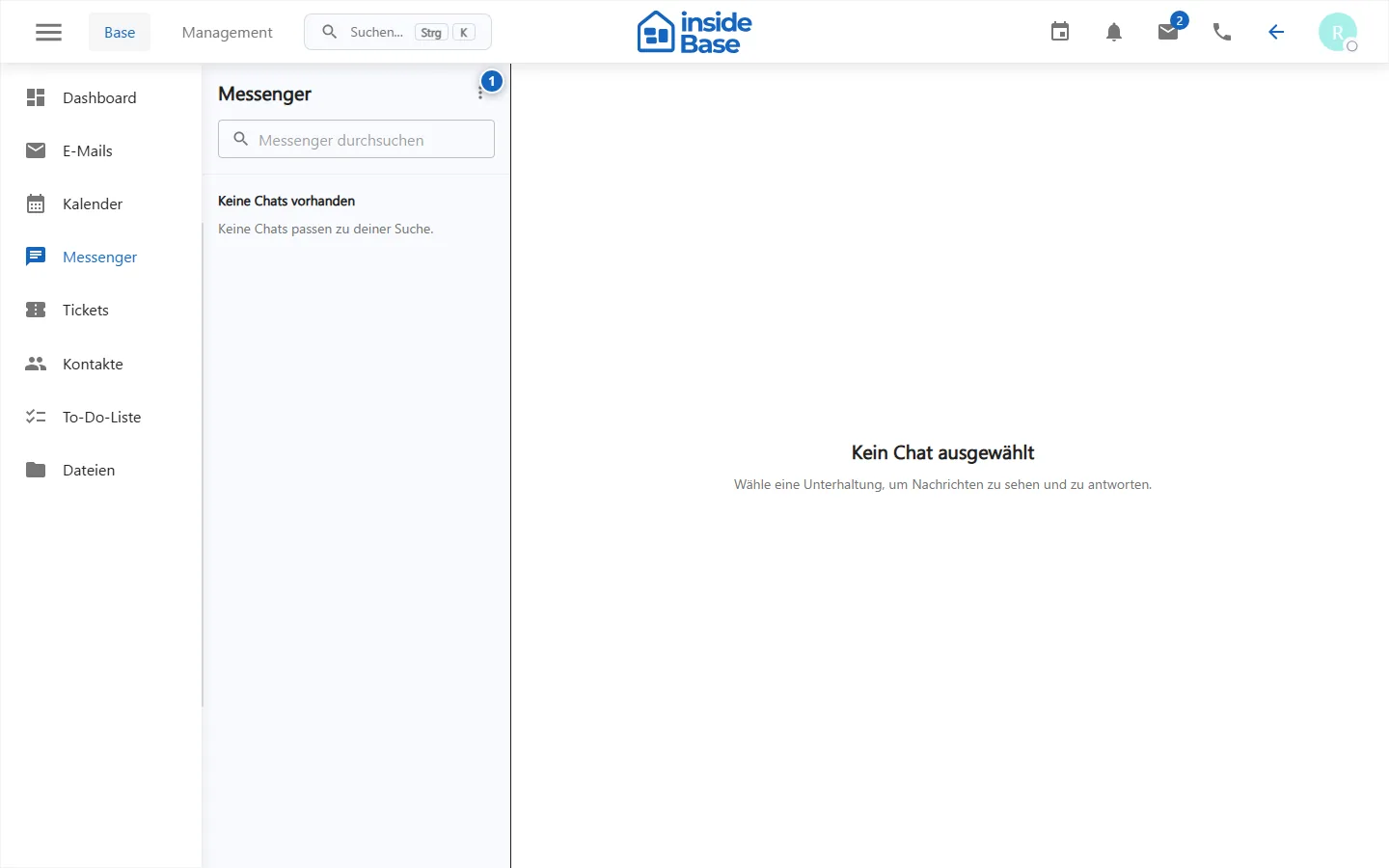
Messenger
The messenger requires chat.read. A thread can be opened directly from its own URL; the visible conversations depend on membership and eligibility.
Use conversations
- Open Messenger.
- Choose an existing conversation or start a new one if the promotion is offered.
- Write the message and add an attachment if necessary.
- Check the receiver circuit before sending.
- Open attachments only if the sender and content are trustworthy.
New messages can appear as in-app, sound or browser hints. These channels can be set under profile, password and notifications.
Purpose
Messenger supports direct and group-related voting within the authorized team.
Where to find it
Open Messenger or Chats in the main navigation.
Requirements and permissions
Reading requires chat.read, new news or conversations require chat.write.
Step by step
- Search or open a conversation.
- Check names and participants.
- Write the message and add only permitted content or attachments.
- Send and control delivery status or new responses.
Result
The message appears in the thread and is delivered to authorized participants in real time or after reconnection.
Variations and special cases
A poor connection can delay status indicators. Decision-relevant content also belongs in the relevant business record.
Troubleshooting
Check network, chat.write, subscriber status and whether the thread is still visible.