Share files and open guest shares
Goal and requirements
Open or distribute exactly the intended file without granting broader access. Creating a share requires the corresponding file permission; guests need the complete valid link and, where configured, the separately transmitted password.
Sharing links are access keys. Send it only to the intended person and remove a release as soon as it is no longer needed.
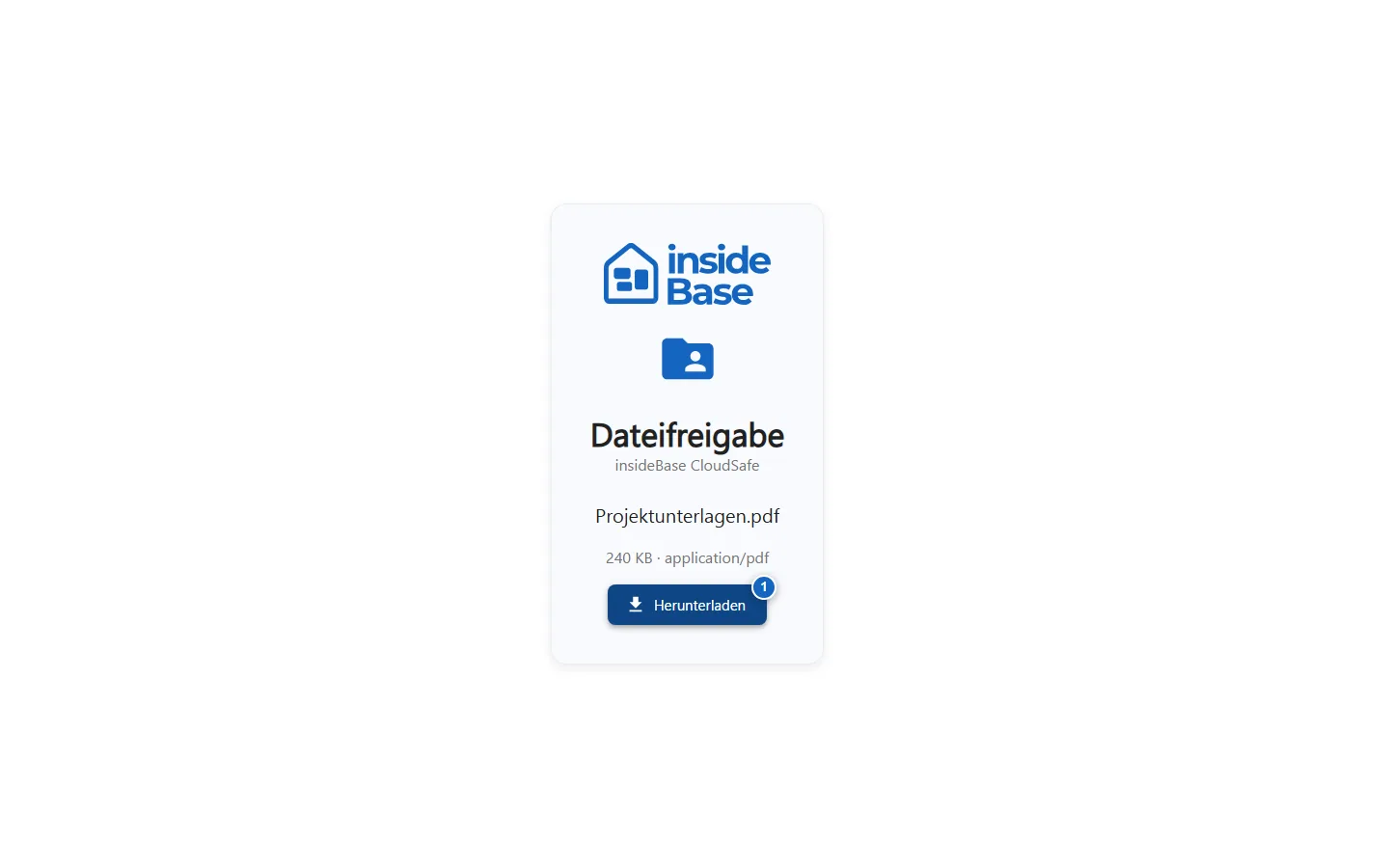
Open a shared file
- Open the full share link.
- Check sender, file name, file type, and expiration date if applicable.
- Preview supported formats or download the file.
- Do not open unknown files and report unexpected releases to the sender.
Result
The shared file was displayed or downloaded without giving access to the rest of the workspace.
Variations and special cases
A link may have expired, revoked or already been fully used. Large files or unsupported formats are directly downloaded instead of displayed in the browser.
Troubleshooting
Ask the sender for a new link in the event of an invalid release. Do not send tokens or full release URLs to public support channels.