On this page
Calls and follow-up
The call overview combines telephony, contact reference and traceable follow-up.
Where to find it
Open Calls or start a permitted phone action from a contact or CRM record.
Requirements and permissions
The overview requires calls.read; outgoing actions and follow-up require calls.write as well as an operational telephony configuration.
Step by step
Start and end a call
- Open the call action on the intended contact or the available call dialog.
- Check the recipient and phone number. Allow microphone access if the browser requests it.
- Start the call and watch its connection status. If telephony is not ready, follow the readiness message and ask an administrator to check access.
- End the call with the hang-up action, then check call history and follow-up.
Call history
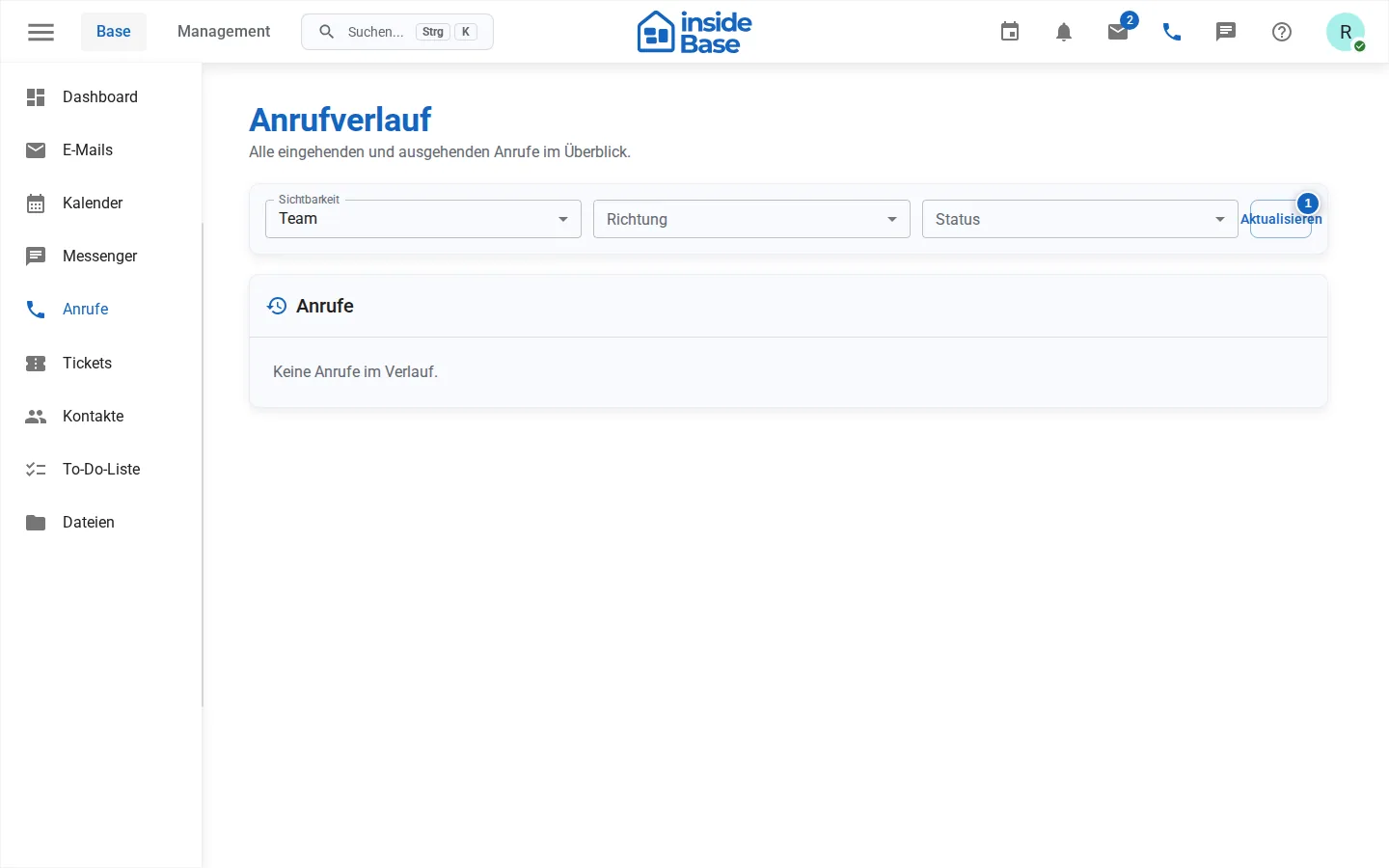
Filter by team or personal calls, direction, and status. Depending on available data, entries show the phone number, contact, duration, outcome, follow-up, and documentation status.
Complete a call
- After hanging up, open the follow-up form.
- Select an outcome such as reached, not reached, voicemail, or callback agreed.
- Add a factual note.
- Schedule a follow-up if necessary.
- Complete the documentation.
Recording and AI summary
A recording may begin only after the other participant has given verifiable consent. The interface provides a consent process for this. If consent is rejected or withdrawn, recording stops. Always follow the legal requirements that apply to your company and the conversation.
Result
The call appears in the history, and its outcome is documented on the relevant record.
Variations and special cases
Incoming, outgoing, and internal calls can offer different actions. Recording depends on configuration and consent.
Troubleshooting
Check microphone sharing, network, phone number format, telephony configuration, and displayed readiness.